How to Track Your Garden Harvest (And Why It Matters)
Most gardeners can tell you what they grew last year. Very few can tell you how much they grew, which varieties performed best, or whether their garden was actually worth the investment. That’s a problem — because gardening without data is just expensive guessing.
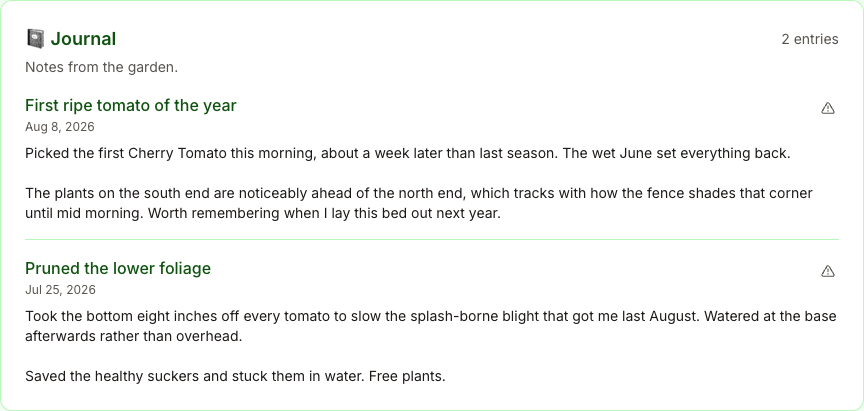
For a look at a journal in use, visit our Tampa garden through the season: garden photos, squash in April, figs in June, and peppers into September.
Why Track Harvests?
Tracking your harvest does three things that memory alone can’t:
1. It Shows You What Actually Works
You planted three tomato varieties last year. Which one produced the most fruit per plant? Which one ripened earliest? Without records, you’ll pick varieties based on vibes instead of evidence.
2. It Reveals Patterns Over Time
Your zucchini plants produced heavily in July but tapered off in August. Was it heat stress? Pests? Soil depletion? A harvest log combined with notes gives you the context to diagnose and improve.
3. It Calculates Your Garden’s Value
When someone asks “is your garden worth it?”, you want a real answer. Harvest tracking lets you compare the retail value of what you grew against what you spent on seeds, soil, and supplies.
What to Track
You don’t need to weigh every cherry tomato. Focus on these data points:
Essential (Track Every Harvest)
- Crop and variety — “Cherokee Purple tomato” not just “tomato”
- Weight or count — Pounds for heavy crops, count for individual items (peppers, eggplant)
- Date — When you picked it
Valuable (Track When You Can)
- Quality notes — Taste, appearance, pest damage
- Photos — A picture captures things notes miss. Compare early-season vs. late-season harvests
- Plot or bed — Which location in your garden produced it
Optional (For Data Nerds)
- Days to harvest — From transplant or direct sow to first pick
- Retail value — What you’d pay for the same thing at a farmers market
- Yield per square foot — The ultimate efficiency metric
How to Actually Do It
The biggest barrier to harvest tracking isn’t complexity — it’s friction. If it takes 5 minutes to log a harvest, you’ll stop doing it by July. Here’s what works:
Make It Fast
The best system is the one you’ll actually use. That means:
- Log at the point of harvest, not later. Bring your phone to the garden
- Minimize required fields. Crop, weight, done. Add notes only when something’s interesting
- Use photos instead of writing descriptions. A photo takes 2 seconds
Make It Consistent
Pick a unit and stick with it. Pounds for most crops, count for things you harvest individually (ears of corn, heads of lettuce). Don’t switch between pounds and ounces mid-season.
Make It Useful
Raw data is useless without analysis. At minimum, review your harvest log at the end of each season and answer:
- What were my top 5 crops by weight?
- Which varieties outperformed others?
- What was my garden’s total yield in pounds?
- What would this have cost at the store or farmers market?
- What should I grow more (or less) of next year?
What Your Data Tells You
After even one season of tracking, you’ll start seeing patterns:
Yield curves — Most crops follow a bell curve: slow start, peak production, then tapering off. Understanding your yield curve helps you plan succession plantings to fill the gaps.
Variety rankings — You planted “Early Girl” and “Big Beef” tomatoes. Early Girl produced 12 lbs in the first month; Big Beef produced 8 lbs. Now you have data to inform next year’s choices.
Seasonal totals — “My garden produced 147 lbs of food this year” is a powerful number. It makes the ROI tangible and gives you a baseline to beat.
Space efficiency — If your 4x8 raised bed produced 35 lbs of tomatoes but your 4x4 bed produced 20 lbs of peppers, the pepper bed was more efficient per square foot. That insight shapes how you allocate space.
From Paper to Digital
A notebook works. A spreadsheet works better. But both create friction at the moment of harvest — you’re outside, your hands are dirty, and you want to get back to picking.
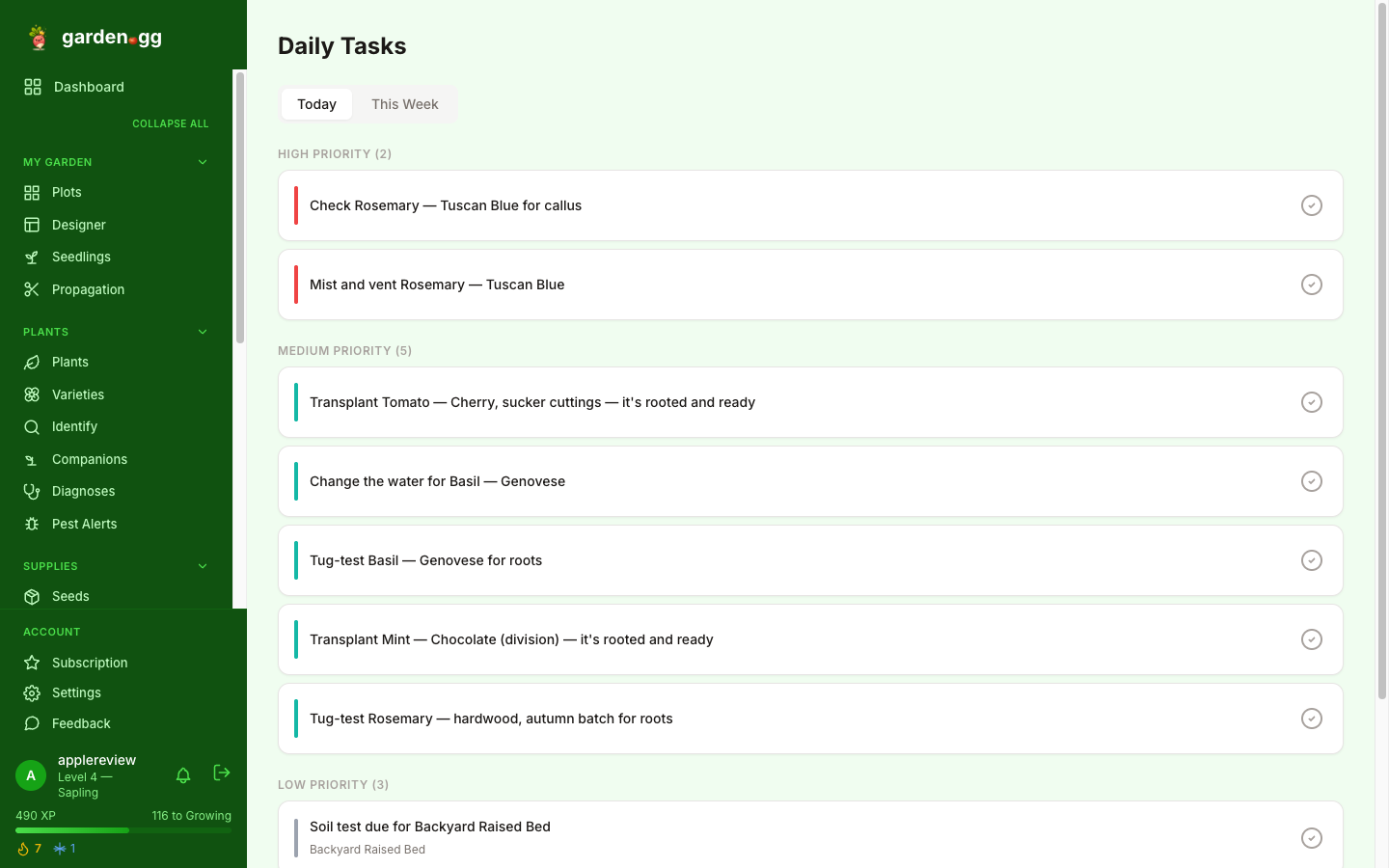
Digital tools designed for garden tracking solve the friction problem. Log a harvest with your phone, snap a photo, and keep picking. The data accumulates without you thinking about it.
garden.gg is built for exactly this. Log harvests with weight, photos, and notes in seconds. It calculates your season totals, compares variety performance, and shows you charts of your yield over time. Every harvest you log becomes a data point that makes next season better.
Start This Season
You don’t need a year of data to see value. Start tracking when your first spring crop comes in — even if it’s just a handful of radishes. By the end of the season, you’ll have a complete picture of what your garden produced, what worked, and what to change.
The gardeners who improve fastest are the ones who measure. Everything else is guessing.